Understanding the Philosophical Difference
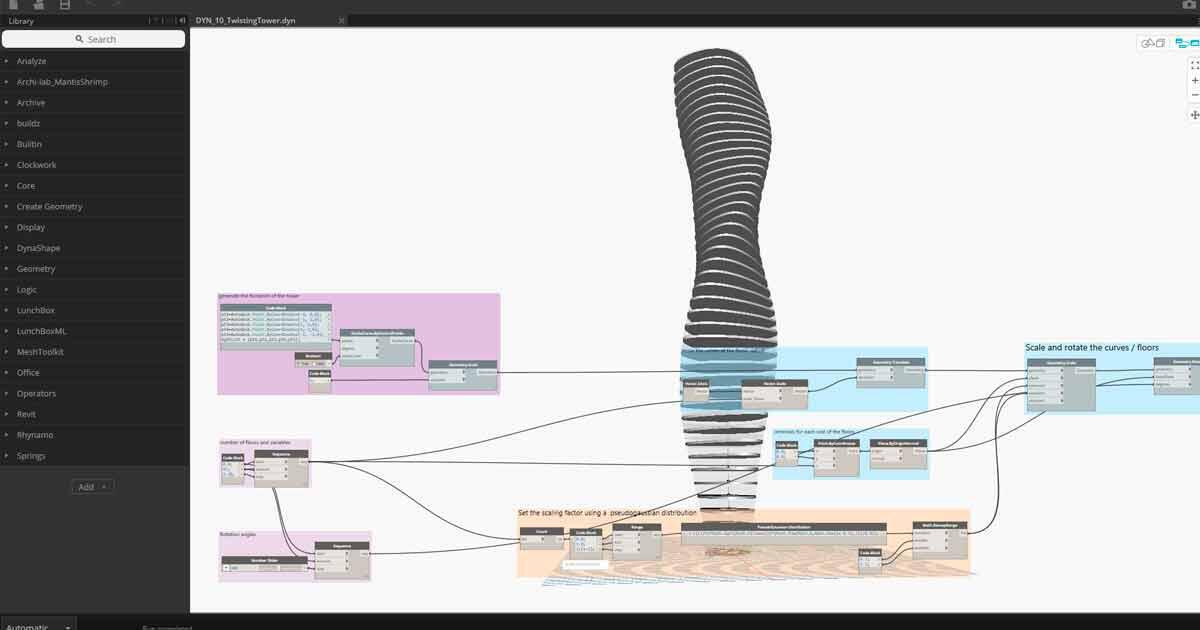
Dynamo and Grasshopper might look similar—both use visual programming with nodes and wires—but they embody fundamentally different approaches to design. Dynamo is deeply integrated with Revit's BIM environment, emphasizing structured information and building documentation.
Grasshopper, by contrast, is geometry-first. It emerged from the industrial design and architecture communities that prioritized form exploration and computational design. Where Dynamo excels at automating Revit workflows and managing building data, Grasshopper shines in form generation, environmental analysis, and complex geometric operations.
This isn't about one being better—they serve different purposes. Dynamo helps you work more efficiently within BIM. Grasshopper helps you explore design possibilities that would be difficult or impossible to model directly. Understanding this distinction is the first step in the transition.

Data Structures: From Lists to Trees
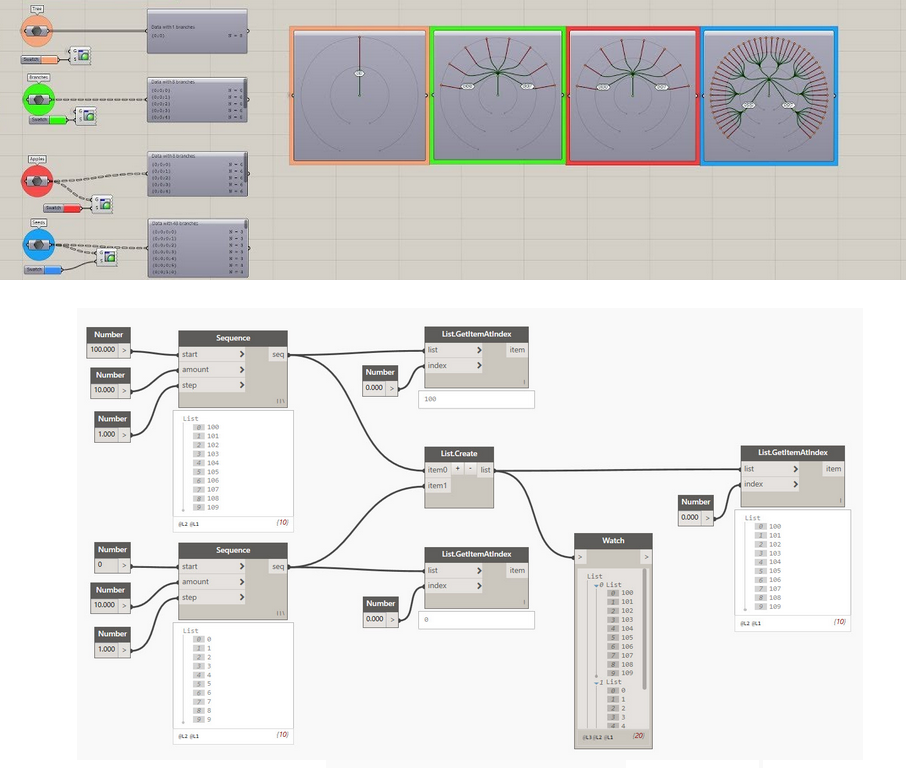
The biggest conceptual hurdle for Dynamo users is Grasshopper's data tree structure. In Dynamo, you primarily work with flat lists or nested lists. Grasshopper uses trees with branches, where data is organized hierarchically with paths like {0;0}, {0;1}, {1;0}.
This tree structure is powerful for managing complex geometric operations where you need to maintain relationships between different sets of data. For example, when creating a facade with panels that vary by floor and orientation, trees keep this organizational logic intact through multiple operations.
The learning curve is steep, but once you understand path mapping and tree management, you'll find Grasshopper can handle levels of geometric complexity that would be unwieldy in Dynamo. Components like Shift Paths, Flatten Tree, and Graft become essential tools in your workflow.
Geometry Generation: Freedom and Responsibility
In Dynamo, you're working within Revit's constraints—families, levels, categories. This provides structure but limits geometric freedom. Grasshopper has no such constraints. You can create any surface, any curve, any solid that mathematics allows.
This freedom is exhilarating and dangerous. Without Revit's built-in organizational structure, you must be disciplined about organizing your definitions. Use groups, clusters, and careful naming conventions. What seems clear today becomes cryptic in six months when you need to modify it.
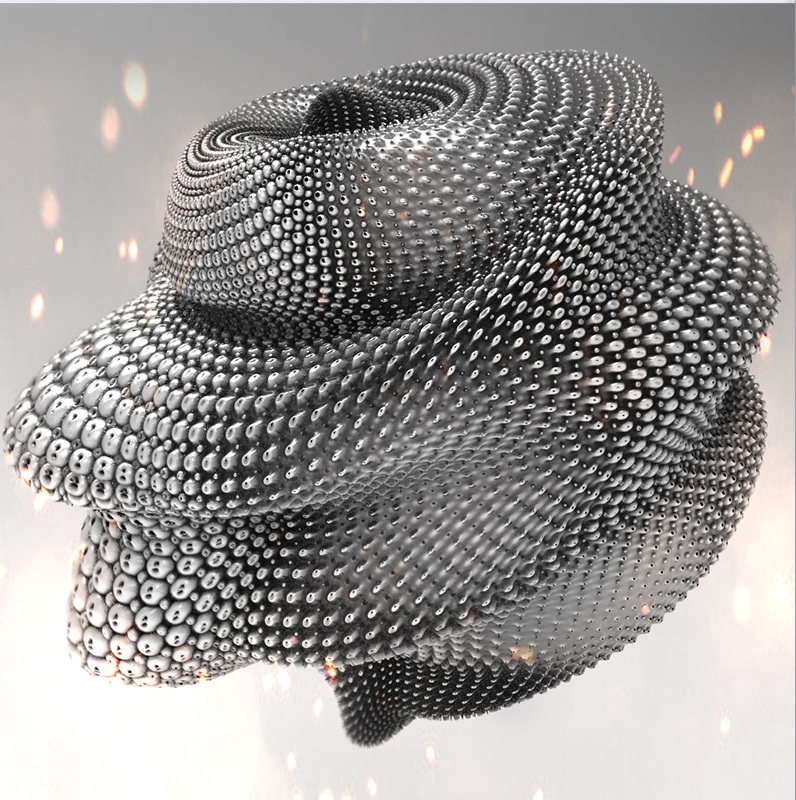
The trade-off is worth it for early-stage design exploration. Grasshopper lets you quickly test radical formal ideas, optimize facade patterns based on solar analysis, or generate complex geometries that would take days to model directly. You're designing systems that generate geometry, not just geometry itself.
The Plugin Ecosystem: Power and Complexity
Dynamo's package manager provides useful extensions, but Grasshopper's plugin ecosystem is vast and sometimes overwhelming. Food4Rhino hosts hundreds of plugins for everything from structural analysis to machine learning integration.
Essential plugins for architectural work include Ladybug and Honeybee for environmental analysis, Kangaroo for physics simulation, Pufferfish for geometric operations, and Lunchbox for paneling and structures. Each extends Grasshopper's capabilities dramatically.
The challenge is avoiding plugin dependency. It's tempting to install a plugin for every task, but this makes your definitions less portable and harder to maintain. Learn the core components thoroughly before relying on plugins. Understand what problems each plugin solves, and use them strategically.

Bridging the Gap: Rhino.Inside.Revit
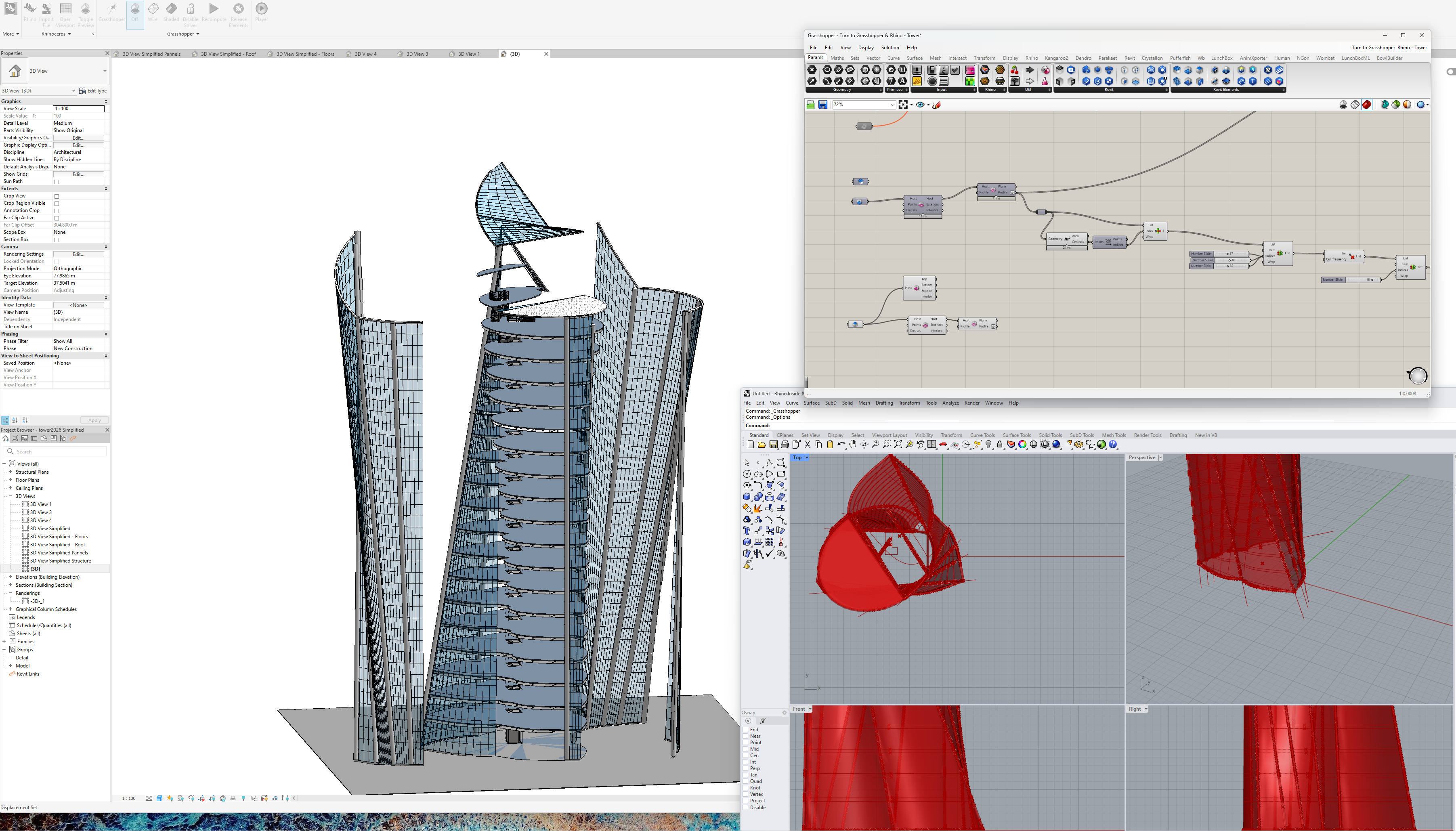
The game-changer for practices using both platforms is Rhino.Inside.Revit. This tool embeds Rhino and Grasshopper directly inside Revit, allowing you to leverage Grasshopper's geometric capabilities while maintaining BIM data structure.
You can use Grasshopper to generate complex geometries, run environmental analyses, or optimize designs, then push the results directly into your Revit model as native elements. The parametric relationships persist—change parameters in Grasshopper, and your Revit model updates automatically.
This workflow gives you the best of both worlds: Grasshopper's design freedom for exploration and optimization, combined with Revit's robust documentation and coordination capabilities. It's how we bridge conceptual design and construction documentation without losing parametric control.
Learning Strategies: Making the Transition
Start by rebuilding simple Dynamo scripts in Grasshopper. This teaches you to think in Grasshopper's paradigm while working with familiar logic. Don't try to replicate Dynamo's approach exactly—embrace Grasshopper's different methods.
Invest time in understanding core components: points, vectors, curves, surfaces, and solids. Master data tree manipulation before moving to complex operations. The grasshopper3d.com forum and various YouTube channels offer excellent tutorials for specific techniques.
Most importantly, accept that there's usually multiple ways to solve any problem in Grasshopper. The "right" solution depends on your specific needs—clarity, performance, flexibility, or parametric control. Experience teaches you which approach works best for different situations.